spends.

money clarity, by just talking.

The Spends dashboard: what is left this month up top, and a bar per category below, growing as you spend. The voice screen listening while you say a spend out loud.
join the waitlist

say what you spent. spends files it and shows what is left.

coming to the App Store join the waitlist today
join waitlist
voice
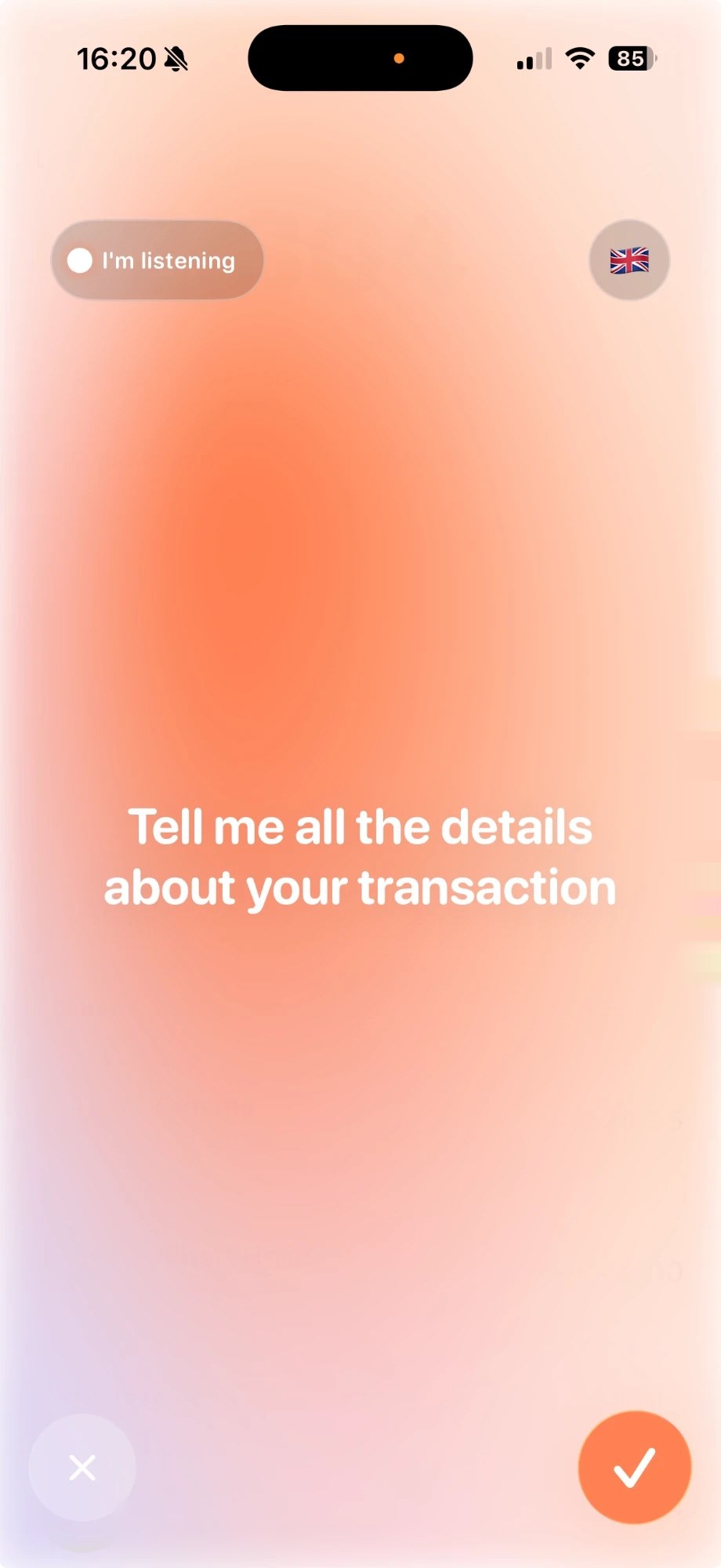
just say it out loud.

the way you would tell a friend. "i just had a big mac at mcdonald’s for nine fifty."

  • hold the mic and say it plainly
  • amount, place and category, heard in one go
  • recognition normally happens on your device
paying with your phone

you tap. it's already written down.

spends notices a payment happened and files it under the right category. it reads the payment. it never touches the money.

  • no typing, no receipts, no end-of-day catch-up
  • filed by itself, ready to correct if it guessed wrong
  • set up once with a shortcut, in about two minutes
paid with your phone, filed by itself
Albert Heijn🥕 Groceries −€ 82,00
Cinema🎟️ Fun −€ 24,95
ZARA🛍️ Shopping −€ 14,00
sharing

one budget, shared.

share a budget with your partner, or with the whole house. everyone sees the same numbers.

  • one of you logs the groceries, everyone sees it
  • for couples, housemates and student houses alike
  • no end-of-month reckoning
student house
youMarijkeTom
2.304,81 everyone sees the same numbers

what's left, and where it went.

the big number is what you still have. the bars below it grow as you spend, one per category, so the tallest bar is usually all the explanation you need.

the numbers above are a demo month. your own data never leaves your phone.

private, plainly.

your budgets and transactions stay on your iPhone.

nothing is sent anywhere unless you choose to share a budget. no ads. no tracking. nothing sold on.

read the privacy policy

fair questions.

what does spends cost?
you start with a free trial, so spends can prove itself first. after that it is €5 a month, about one cinema snack. cancel whenever you like. no ads, nothing sold on.
do i need an account?
no. spends works the moment you open it. only sharing a budget creates one, because sync needs somewhere to meet.
what happens when i share a budget?
that budget is uploaded so you both see it. everything already in it comes along, not just new spends. the app tells you before it happens.
does it work offline?
yes. everything lives on your iPhone. sharing needs a connection to sync, nothing else does.
which languages does the voice understand?
english and dutch work best. recognition normally happens on your device.
how do i delete my account?
settings, then delete account. it removes your data from the server. your budgets stay on your iPhone.